Save Your Company Lists
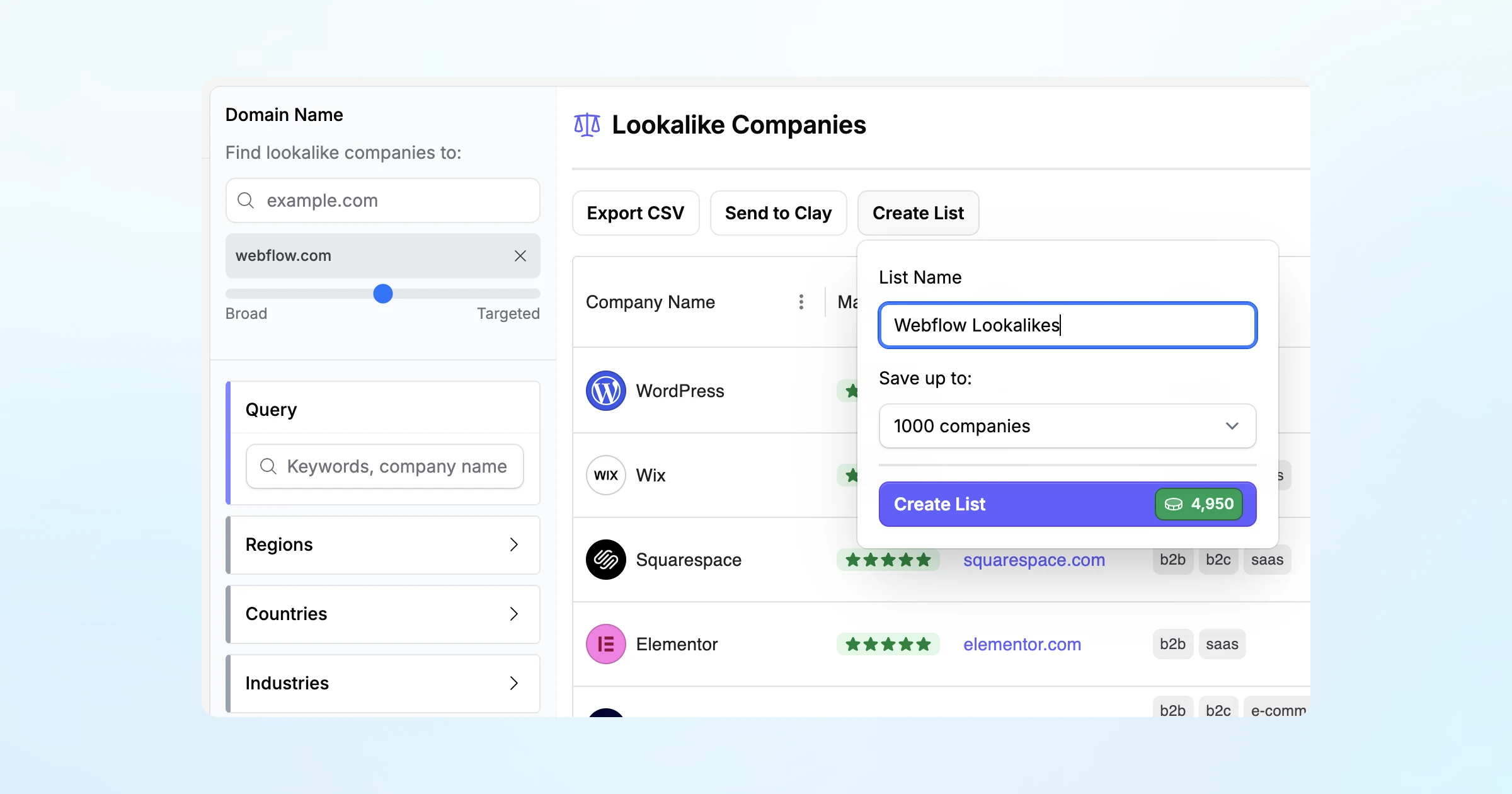
You asked, we made it! You can now save your company lists with just a click.
After running a company search or a lookalikes:
- Click the “Create List” button.
- Give your list a name (e.g. “SaaS companies in Germany”).
- Select the amount of the companies you want to save (e.g. 3000 companies)
- That’s it, your list will be saved under the Company Lists tab.
You can re-visit your list anytime without spending extra credits. From there, you can:
- Apply additional filters
- Export the list
- Send it to Clay
- Send it to Apollo for contact enrichment