7 Best People Search APIs: Search Filters, Data Coverage, and Pricing
Compare the best people search APIs for B2B discovery, recruiting, and AI workflows. Explore seven providers, pricing, practical tradeoffs, and tested results.
Summarize this blog post with
 ChatGPT
 Perplexity
 Claude
 Grok
Grok Google AI
Finding the best people search APIs gets harder once you look past database size. Some return professional profiles you can use immediately. Others return IDs or partial records, then require another request to retrieve the full profile.
The right API depends on what you're building. You might be finding decision-makers for prospecting, adding relevant people to a CRM as part of a GTM workflow, or building a data product that lets customers search professional profiles. Recruiting, founder research, and tracking job changes each need a different mix of filters, profile detail, freshness, and pricing.
This guide compares seven people search APIs, using provider documentation and results from our testing to explain:
- Which API fits each people-search workflow
- What each provider does well and where it falls short
- How search, profile retrieval, and result quality affect the bill
Which People Search API Should You Choose?
The choice depends on the audience you need to find, the queries you need to express, and whether the data will serve your own team or your customers.
| Provider | When I would choose it | Main tradeoff |
|---|---|---|
| CompanyEnrich | Account research by company attributes | No city-level person filtering |
| Crustdata | Tracking job and role changes is a priority | Complex pricing and API access that varies by plan |
| People Data Labs | You prefer defining searches with SQL or Elasticsearch-style queries | Highest modeled cost per correct match |
| Coresignal | Recruiting or workforce products that need employee search | Lower observed coverage of CEOs and founders |
| Apollo | Basic sales workflows with prospecting, enrichment, and outreach | API integrations inherit sales-platform permissions and plan restrictions |
| FullEnrich | Mobile phone coverage is a priority | Cannot express separate title-and-employer pairings as alternatives in one query |
| Prospeo | Internal prospect lists | Lower observed coverage of CEOs and founders |
Observed coverage and cost comparisons come from our August 2026 test of current CEOs and founders at 502 YC companies. Costs use that study's historical pricing assumptions. Other roles, markets, and pricing plans need their own evaluation.
What Does a B2B People Search API Do?
A B2B people search API finds professional profiles that match criteria such as company, job title, department, seniority, or location. Instead of browsing a directory manually, your application submits filters and receives structured records or identifiers.
An API for finding decision-makers might answer, “Who leads engineering at these companies?” A recruiting integration might look for people with particular work experience. An account-research agent might need names, current roles, and professional profile URLs before drafting a stakeholder brief.
The core comparison is professional discovery, with follow-on enrichment and monitoring covered where they affect provider choice. Consumer people-finder services, residential-address searches, and background-check products serve different needs.
The output matters as much as the filters. A stakeholder brief might need a name, current role, employer, and profile URL. A recruiting shortlist may also need employment history and education. If search returns only IDs, include the additional profile-retrieval step when comparing integration work and cost.
The 7 Best People Search APIs Reviewed
1. CompanyEnrich
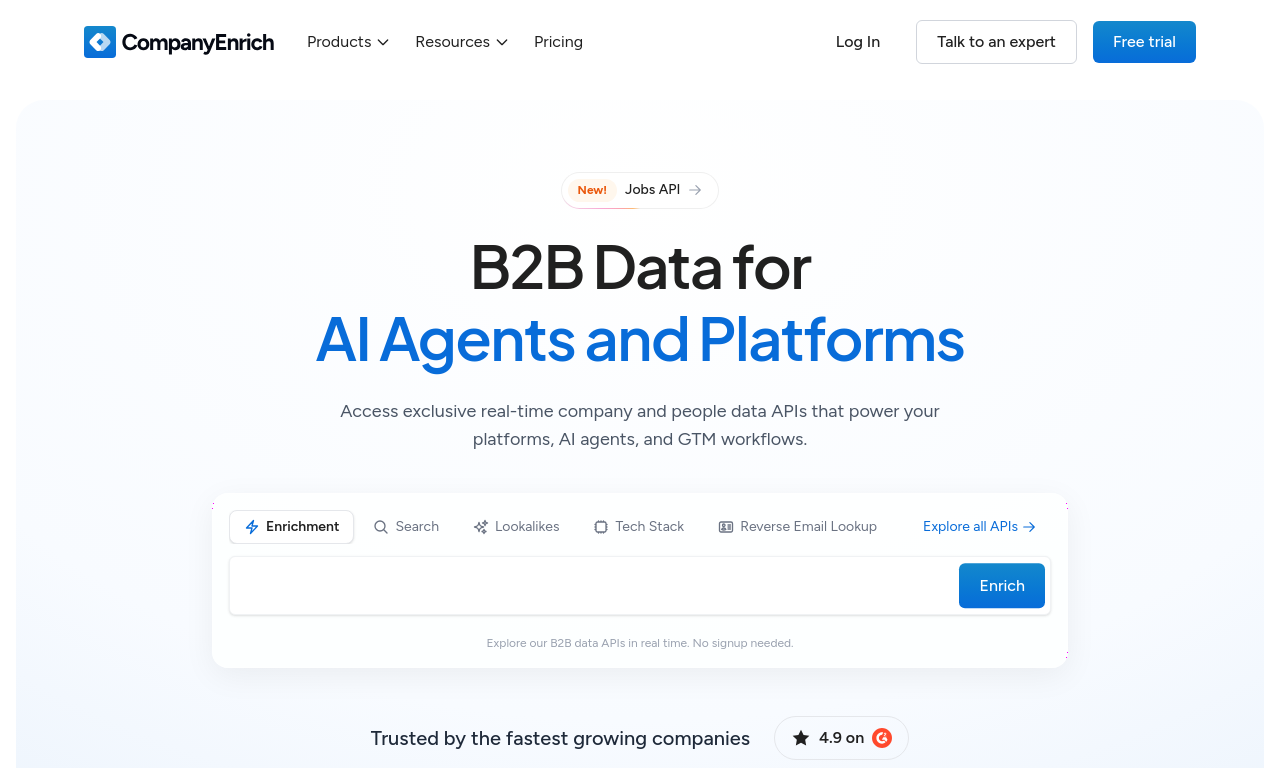
CompanyEnrich connects company targeting to people discovery. You can narrow companies by attributes such as industry, size, and funding, then find their relevant people using role, seniority, department, and join-date filters. Search returns professional profiles with employment history to help review their fit.
For example, you could find recently hired engineering leaders at funded software companies, then use their professional context in an account brief or CRM workflow.
What CompanyEnrich is good for
- Finding people at target accounts: combine company domains with title, seniority, department, and person-country filters in the People Search API.
- Connecting company discovery to people search: build an account segment with the Company Search API, then retrieve the relevant professionals at those companies.
- Giving agents employment context: search returns professional profiles and work history that an application can use to build stakeholder briefs or account views.
Where CompanyEnrich may fall short
- Recruiting within a city or commuting area: person-location filters operate at country level. City and state filters apply to the employer, so they cannot establish that a candidate lives near your office. A local recruiting product needs another way to qualify candidate location.
- Reusing SQL or Elasticsearch queries: CompanyEnrich accepts structured filters rather than either query language. Existing queries need to be rebuilt around its supported fields and operators; PDL is a closer fit when keeping that query interface matters.
CompanyEnrich pricing
Monthly plans start at $49 per month. The entry plan can return up to 2,500 professional profiles when its allowance is used entirely for successful, standard people searches. Empty searches and optional education expansion reduce that volume. A free trial is available.
When to choose CompanyEnrich
CompanyEnrich fits account research, CRM workflows, and AI agents that start with a company list and need relevant professionals. Company targeting, role and join-date filters, and returned employment history support stakeholder briefs and searches for recent hires.
2. Crustdata
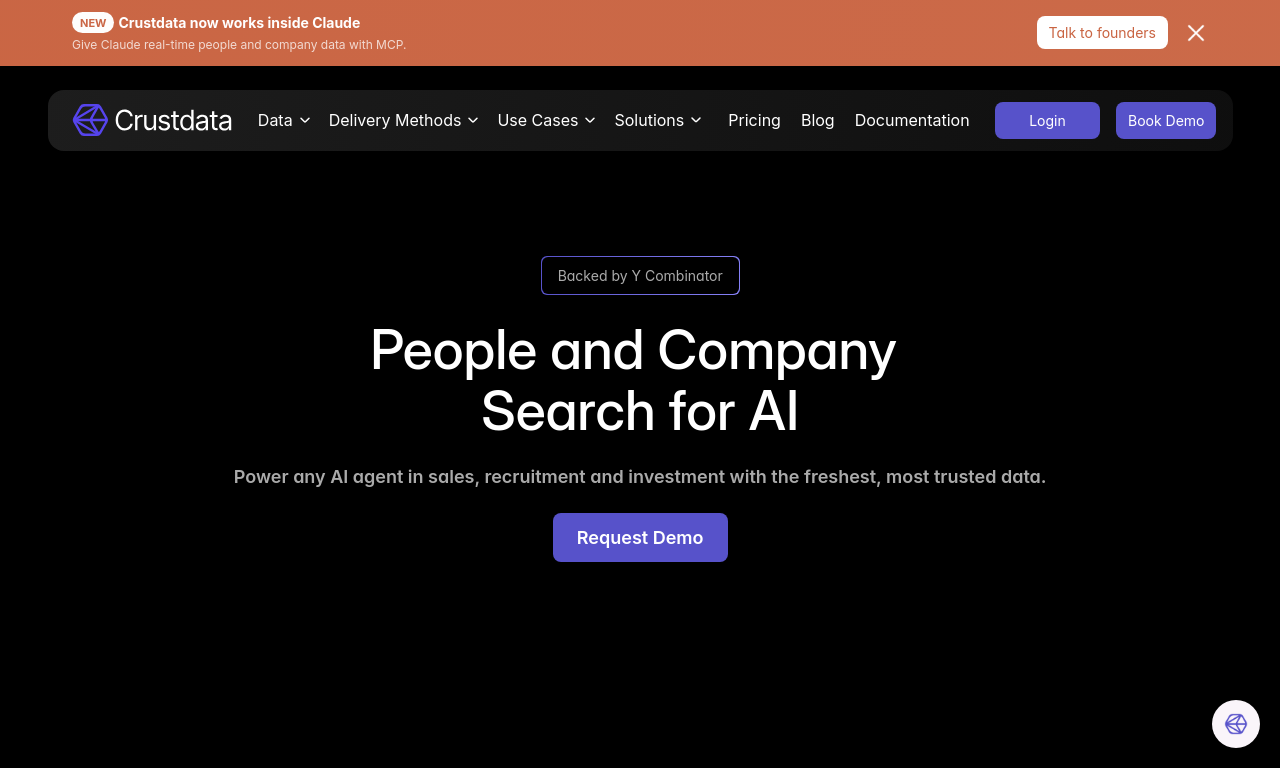
Crustdata combines people search with separate APIs for live profile retrieval and monitoring. It fits workflows that first find relevant professionals, then track changes in their roles or employers.
For example, a GTM application could build a list of target decision-makers, then use Watcher alerts to update CRM records or trigger a workflow when someone moves to a new company.
What Crustdata is good for
- Acting on job and role changes: the Watcher API monitors selected profiles and sends webhook notifications when it detects changes, helping your application update records or trigger GTM workflows.
- Detailed professional searches: the Person Search API supports nested filters across current and past employment, location, education, and skills.
- Refreshing selected profiles: separate retrieval and enrichment options suit workflows where a person's current role determines the next action.
- Controlling response depth: request the field groups your application needs instead of collecting every available detail for every candidate.
Where Crustdata may fall short
- Complex pricing makes costs harder to predict: premium field groups, such as employment history and education, add to the base search price. Filtering on a group and returning it are charged separately, while live retrieval has its own pricing. The final cost depends on the exact filters, fields, and APIs your workflow uses.
- API access varies by plan: not every endpoint is available on every plan. Live people search and profile retrieval require an eligible plan and may have custom quotas or contract pricing, so access to basic search does not guarantee access to the other APIs your workflow needs.
Crustdata pricing
Crustdata's pricing model depends on the profiles returned, selected fields, and retrieval mode. Request a dollar quote for your expected monthly volume that includes the professional fields and live refreshes your application needs. For Watcher workflows, include the required refresh frequency and expected volume of detected changes in that quote.
When to choose Crustdata
Choose Crustdata when people search feeds an ongoing GTM or recruiting workflow. Use search to build a target list, then Watcher to monitor job and role changes and trigger actions from webhook alerts.
Our Crustdata video review takes a closer look at its endpoints, pricing, coverage, and alternatives.
3. People Data Labs
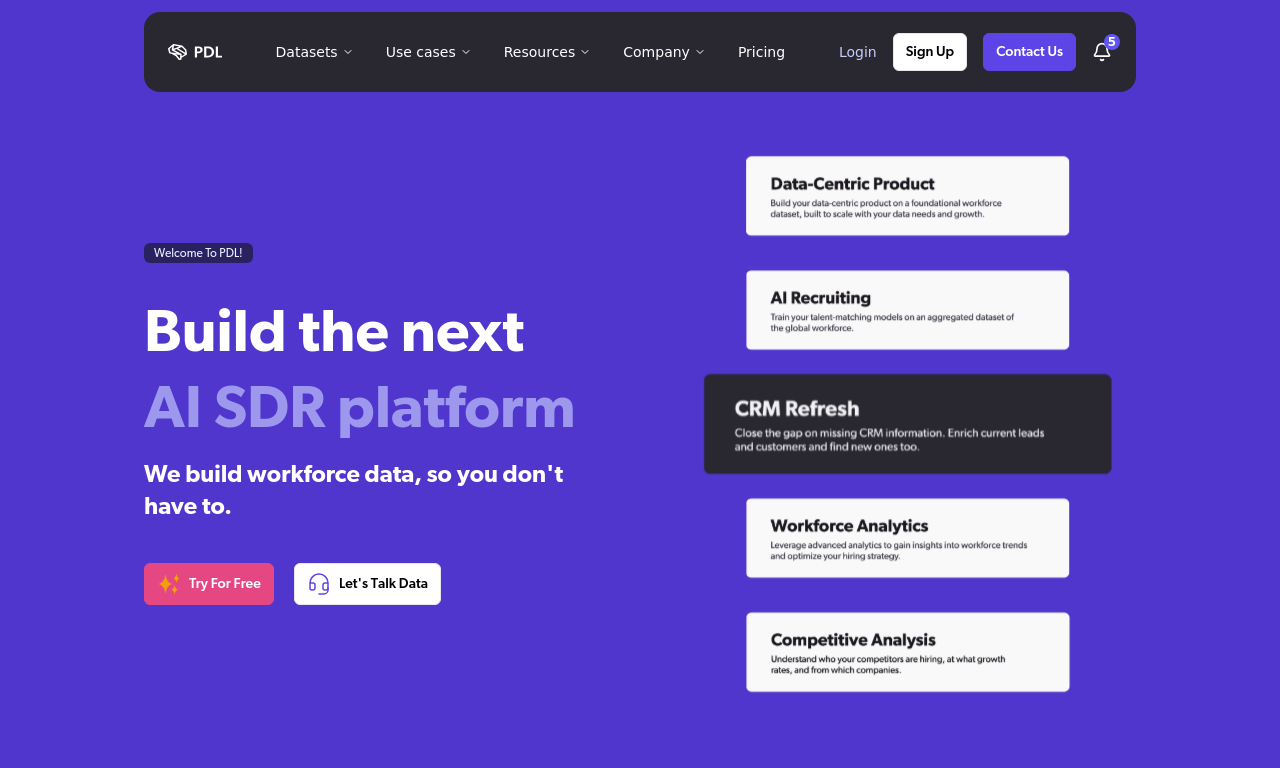
People Data Labs is the clearest choice on this list when your product needs SQL queries over a person schema. It also supports Elasticsearch. Developers can express detailed audience rules, save them in code, and rerun them as part of a recurring workflow.
If that control is a requirement, PDL belongs near the top of your list. If you only need to find founders from company domains, its query language is less of a deciding advantage.
What People Data Labs is good for
- Custom audience definitions: the Person Search API accepts SQL or Elasticsearch queries against documented person fields.
- Repeatable segmentation: keep search rules in code and build reusable query templates for saved audiences.
- Controlling returned data: the input parameters support field selection and scroll-token pagination.
Where People Data Labs may fall short
- High cost per usable result: PDL had the highest modeled cost per correct person-company pair among the seven providers in our founder-search comparison, at $0.3614. This uses historical pricing and estimated consumption, so compare a current quote against the records your application needs.
- Separate subscriptions across APIs: PDL's self-serve plans require a separate subscription for each API product. If your workflow uses both Person Search and Person Enrichment, you need to manage separate plans and allowances rather than draw from one shared credit pool. This makes budgeting less flexible when usage shifts between the two.
People Data Labs pricing
The Person Search Pro plan starts at $98 per month for 350 returned search profiles. A request returning 100 people uses the allowance for 100 records. Person Enrichment requires its own subscription, so budget for each API product your workflow needs.
When to choose People Data Labs
Choose PDL when your product defines reusable audiences through SQL or Elasticsearch. Its documented person schema suits saved searches, query templates, and recurring segmentation.
For a broader comparison, read our People Data Labs alternatives guide or watch our PDL review and three alternatives.
4. Coresignal
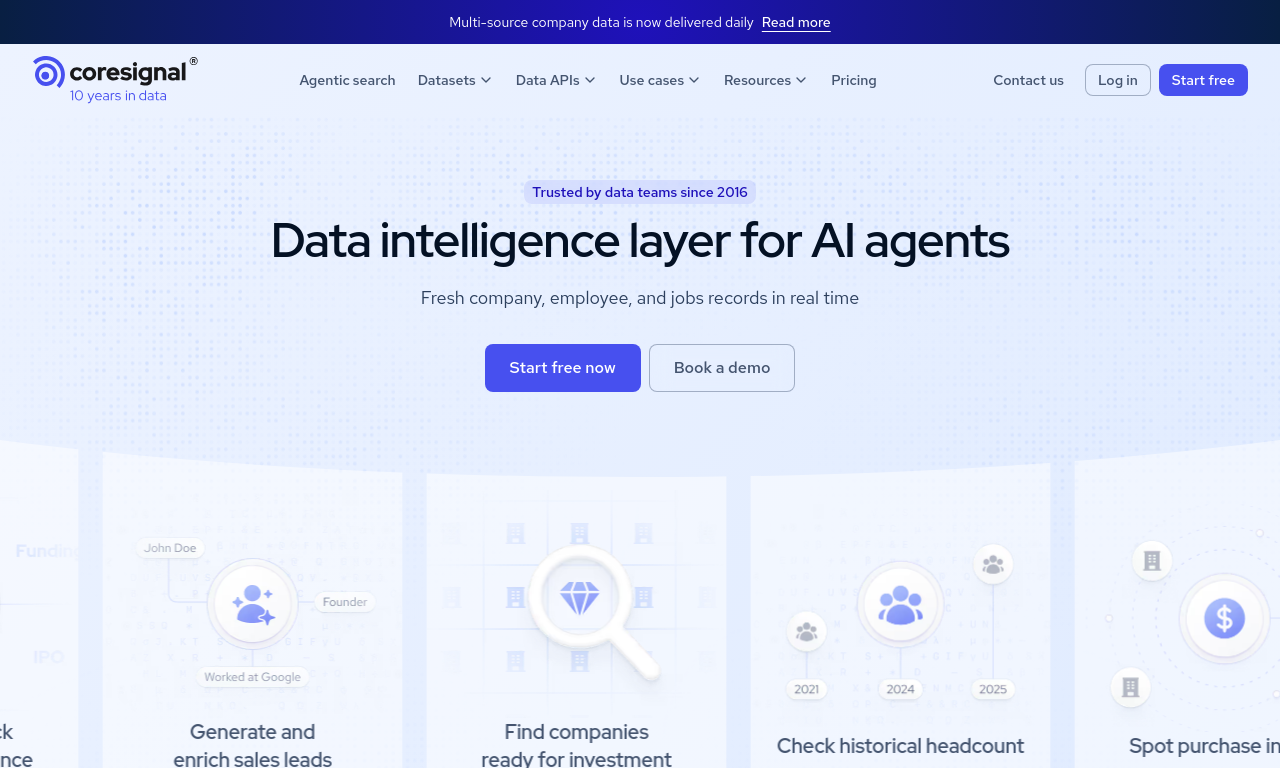
Coresignal combines employee search, profile collection, bulk API retrieval, and webhook subscriptions for profile changes. This makes it relevant when finding a person is the start of an ongoing data workflow.
For example, a recruiting product could find professionals who match its criteria, collect their records, and subscribe to changes in their employment. A workforce application can use the same API capabilities to maintain the employee context behind its own analysis.
What Coresignal is good for
- Collecting employee records: the Employee API supports finding matching records and collecting their full profiles.
- Collecting many records through the API: Bulk Collect accepts employee IDs or Elasticsearch queries for batch retrieval.
- Maintaining records over time: webhook subscriptions notify your application when changes are detected in subscribed employee profiles or employment experience.
Where Coresignal may fall short
- Covering target accounts in CEO and founder searches: Coresignal returned a correct match for 77.7% of companies in our founder-search comparison. It covered fewer accounts than CompanyEnrich and Crustdata, leaving more accounts without a confirmed match in that workflow.
Coresignal pricing
Public API plans start at $49 per month. At the documented collection rate, the entry allowance covers up to 125 full multi-source employee profiles if used entirely for that product. Smaller data bundles cost less when you only need part of a profile. Standard Elasticsearch and semantic employee searches return IDs without a usage charge; collecting the selected profiles is billed separately.
When to choose Coresignal
Choose Coresignal when your product needs to find employee profiles and track subsequent changes through the API. Bulk retrieval and change subscriptions suit recurring recruiting and workforce workflows.
If Coresignal is on your shortlist, our Coresignal alternatives video compares it with CompanyEnrich, PDL, Crustdata, and Apollo.
5. Apollo
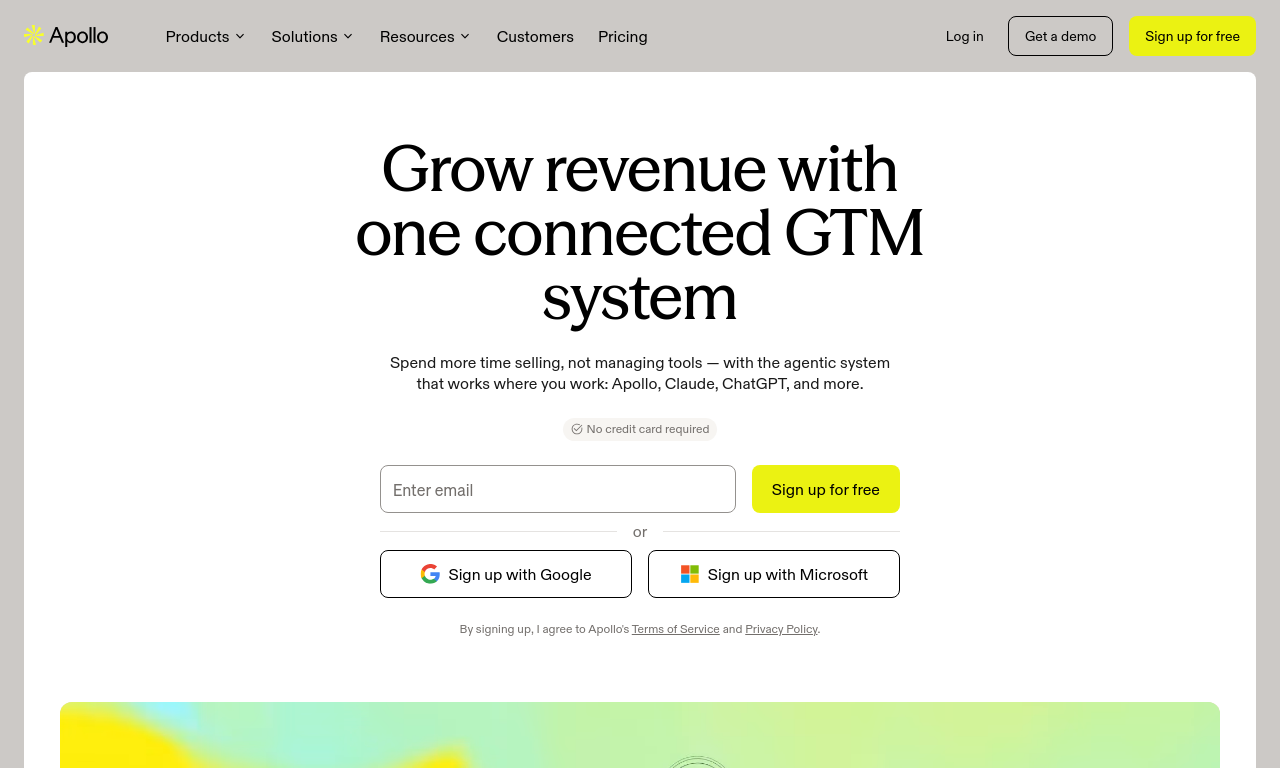
Apollo combines prospecting, enrichment, and outreach in one sales platform. It suits teams that want to find relevant people and move them into a simple sales workflow without connecting several separate tools. Its API can search by title, seniority, employer, and location, then retrieve professional records for the people your application selects.
The initial output is limited. Apollo's search example returns person IDs, first names, titles, and employer information, but masks surnames, such as Mo***s. Those results support candidate selection; a workflow that needs complete names and professional profile URLs requires another retrieval step.
What Apollo is good for
- Controlling title matching: search parameters let you combine titles with seniority and turn similar-title matching on or off, depending on how broadly you want to search.
- Simple sales workflows in one platform: Apollo's APIs cover search, enrichment, sequencing, and analytics, helping teams connect prospect discovery to outreach and follow-up.
Where Apollo may fall short
- Building outside an internal sales workflow: Apollo's API follows the platform's permissions, plan access, and data allowances. Customer-facing products also require a separate agreement and custom pricing. Its terms allow retention of data incorporated into internal records, but that permission does not extend to distributing it to your users.
- Exporting an entire large audience: People API Search exposes at most 50,000 records for one search. Retrieving a larger matching audience requires splitting it into narrower searches and combining the results, with deduplication where segments overlap.
Apollo pricing
For internal workflows, search has no usage charge but returns partial records with masked surnames and no LinkedIn URLs. Retrieving complete names and profile URLs requires an additional billable profile retrieval step. Budget for the usable records you need, with charges depending on the data returned and your plan.
Customer-facing use requires a separate quote covering your intended product and data usage.
When to choose Apollo
Choose Apollo when you want prospecting, enrichment, and outreach in one place. Its broad feature set suits straightforward sales workflows where using one platform simplifies setup and day-to-day work.
6. FullEnrich
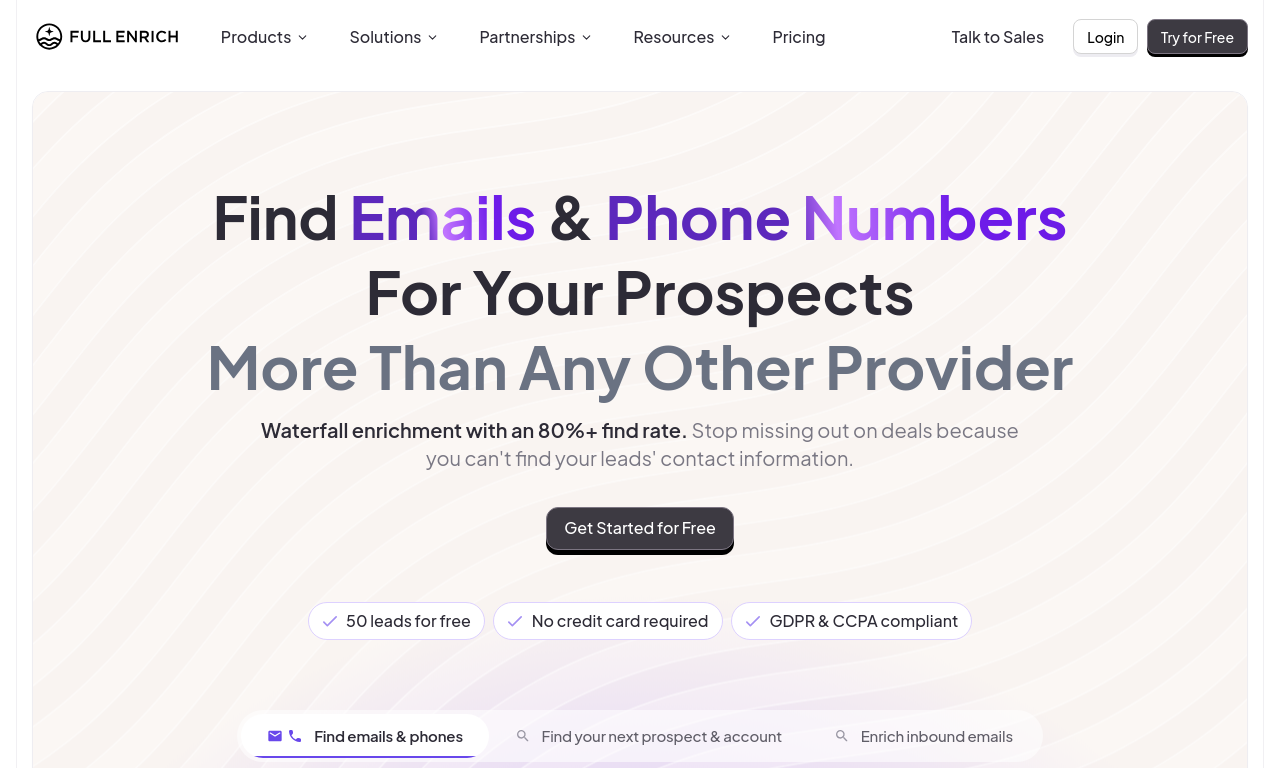
FullEnrich combines people search with a separate waterfall enrichment workflow. It fits prospecting teams that want to find relevant professionals, then check multiple data providers for mobile numbers.
For example, you could search for engineering leaders at target companies and pass the selected profiles to enrichment. Current and past employer filters help refine the audience before you look up mobile numbers.
What FullEnrich is good for
- Mobile phone coverage: its waterfall enrichment checks multiple data providers for mobile numbers after you select prospects through search.
- Career-based targeting: the People Search API includes current and past employer criteria for more specific professional searches.
- Recurring exports: previously exported people can be exported again without another search charge, which matters when an audience overlaps across runs.
Where FullEnrich may fall short
- Offering people search inside a product you sell: FullEnrich's default terms limit use to internal business purposes. Integrating the service into your own customer-facing product requires agreed partner terms. The search terms also make you responsible for how long you retain extracted lists, so the agreement needs to cover your intended storage and delivery to customers.
- Combining different title-and-employer rules: the documented filter model uses OR within each category and AND across categories. For an audience such as "CTOs at company X or founders at company Y," putting both titles and employers into one request also admits the other title-employer combinations. Split the searches and merge the results to preserve those specific pairings.
FullEnrich pricing
FullEnrich charges for newly exported people. Previously exported people can be exported again without another search charge. Mobile-number enrichment is billed separately from search, so include both steps in your estimate.
For a customer-facing product, request a quote under partner terms covering search, enrichment, and your intended data usage.
When to choose FullEnrich
Choose FullEnrich when mobile phone coverage is a priority for your prospecting workflow. Find relevant professionals through search, then use its waterfall enrichment to look up mobile numbers.
7. Prospeo
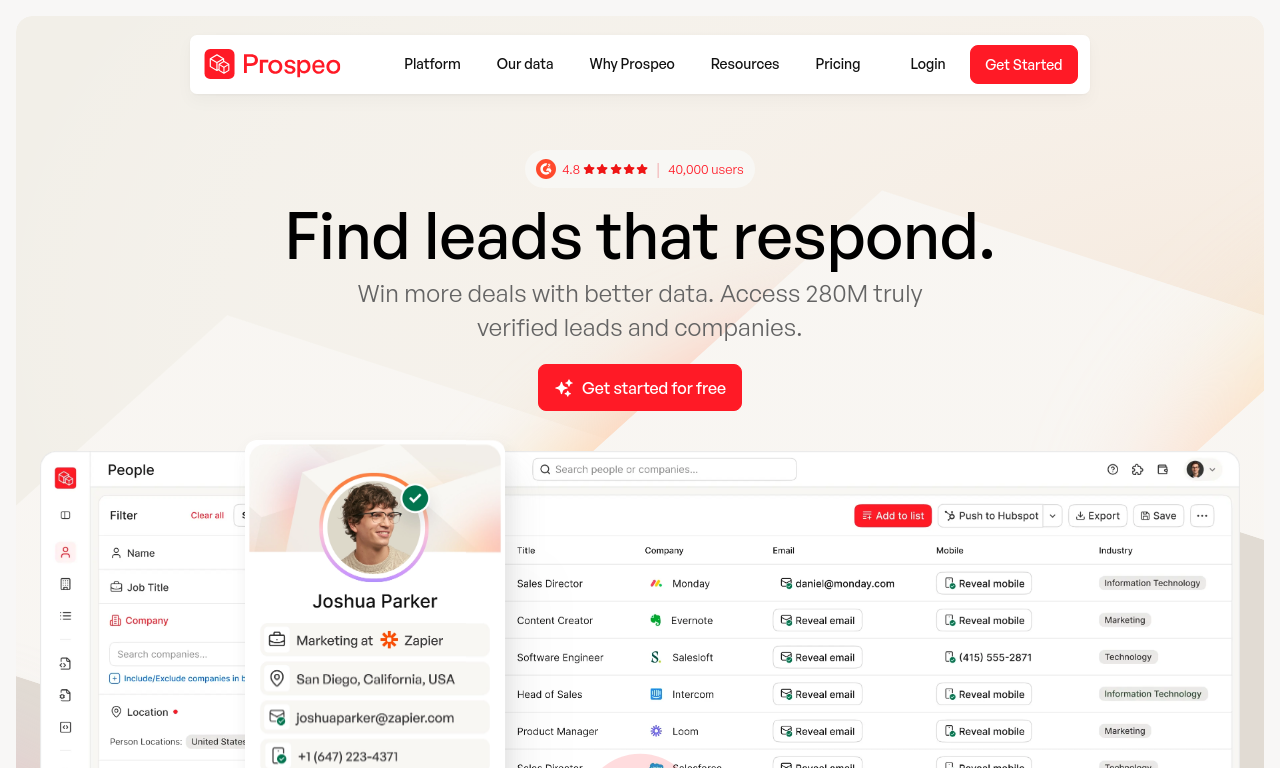
Prospeo helps teams build internal prospect lists by combining role, employer, and location criteria. It is useful when job-title variations make a single exact-title filter too narrow.
For example, a search for engineering leaders might need to include "VP Engineering," "Head of Engineering," and equivalent titles. Exact, contains, similar, and Boolean matching give you different ways to define that audience.
What Prospeo is good for
- Flexible title searches: documented filters combine several title-matching options with employer and location criteria.
- Reviewing candidates in batches: the Search Person API returns person data and IDs in pages of up to 25 profiles.
- Retrieving the same results again: requests returning the exact same page of results your team already paid for are free within 30 days. Empty pages are also free.
Where Prospeo may fall short
- Supplying people data to your own users: Prospeo's standard license is for internal B2B use and prohibits redistributing its output to customers. A product that delivers those profiles to users needs a separate partnership or resale agreement. The terms also restrict caching and storage to what your plan or order expressly permits, which matters if your product keeps a local profile database.
- Targeting people by past experience on a lower plan: past-role and past-employer filters require Growth. If company alumni or previous job titles define your audience, the entry plan does not cover those filters.
- Covering target accounts in CEO and founder searches: Prospeo covered 73.1% of companies in our founder-search comparison, the lowest account coverage among the seven providers. It also returned the most stale candidates, making missed accounts and current-role checks concerns for a similar workflow.
- Exporting more than 25,000 matches: the search endpoint caps retrievable results at 25,000 per query. A larger audience needs separate, narrower queries and deduplication across overlapping results; advancing through pages alone will not retrieve the whole segment.
Prospeo pricing
Search is billed per new nonempty result page, with up to 25 people per page. Empty pages are free. A repeat request is free within 30 days when it returns the exact same result set your team already paid for; repeating the query and page number alone does not establish that. Compare the plan price with the number of useful people your searches return per page.
If your product supplies profiles to customers, request a partnership or resale quote covering the storage and delivery your application needs.
When to choose Prospeo
Consider Prospeo when job-title variations matter to your internal prospecting lists. Exact, related-title, and Boolean matching let you target specific roles or expand across equivalent titles while applying employer and location criteria.
How Did We Choose and Test the Best People Search APIs?
I use four criteria for the recommendations: search control, useful output, integration fit, and total workflow cost. Official documentation establishes capabilities and billing rules. Our people search API benchmark adds measured evidence for one common task: finding current CEOs and founders at known companies.
On August 31, 2026, we compared all seven providers across 502 active Y Combinator companies from selected 2024 batches. Returned LinkedIn profiles were normalized and deduplicated, then checked against HarvestAPI profile snapshots using a common downstream evaluation. A correct result needed to match the company and a qualifying current CEO or founder role. Ambiguous or unverifiable candidates remained unresolved.
We measured whether each company received a correct result, how many correct person-company pairs each API found, and how often candidates were stale or otherwise unsuitable. The compact table below shows the distinction between covering accounts and finding more people within them.
| Provider | Companies with a correct result | Correct person-company pairs | Stale candidates |
|---|---|---|---|
| CompanyEnrich | 442 / 502 (88.0%) | 809 | 27 |
| Crustdata | 441 / 502 (87.8%) | 825 | 0 |
| Apollo | 417 / 502 (83.1%) | 717 | 7 |
| FullEnrich | 411 / 502 (81.9%) | 794 | 7 |
| Coresignal | 390 / 502 (77.7%) | 676 | 5 |
| People Data Labs | 374 / 502 (74.5%) | 688 | 5 |
| Prospeo | 367 / 502 (73.1%) | 642 | 31 |
Source: CompanyEnrich's published people-search results.
CompanyEnrich covered the most companies, but its lead over Crustdata was just one account. Crustdata found more correct people and had no stale classifications in this run. Those results make it a strong comparison when building a fuller founder map.
Apollo contributed 15 correct pairs that no other provider returned, the most exclusive finds. That supports testing a second source for additional coverage, although it does not quantify Apollo's incremental gain over any particular first provider.
The test also modeled cost using August 28 pricing inputs, with some providers' consumption estimated. CompanyEnrich had the lowest modeled cost per resolved company at $0.0049. That is evidence about the tested workflow, separate from today's subscription prices and search-only charges.
These findings cover startup-founder discovery; they do not establish performance across other roles, industries, or countries. We did not test mobile-number coverage, monitoring speed, or production latency. Verification snapshots can also be incomplete. The public toolkit supports fresh evaluations, but excludes the original response and verification files needed to reproduce the exact published run. The broader use-case recommendations above combine this evidence with documented product capabilities.
How Much Do People Search APIs Cost?
Compare the cost of the same usable output. A search ID, a basic professional profile, and a record with full employment history are different deliverables.
Provider documentation and public pricing reviewed on October 15, 2026 show several billing models:
| Provider | What you pay for | What changes the cost |
|---|---|---|
| CompanyEnrich | Professional profiles returned by search | Monthly volume, optional education, and minimum charges for empty searches |
| Crustdata | Search results, selected fields, live retrieval, and monitoring | Filters and fields used, refresh frequency, and detected changes |
| People Data Labs | Returned profiles under a Person Search subscription | Retrieved volume and subscriptions for additional API products |
| Coresignal | Profile collection after free standard employee search | Number of profiles collected and selected field bundle |
| Apollo | Professional-profile enrichment after limited search results | Records and fields retrieved; custom pricing for customer-facing products |
| FullEnrich | Newly exported people and separate mobile-number enrichment | Audience overlap, enrichment requests, and partner terms |
| Prospeo | Each new nonempty result page | Useful people per page; partnership or resale quote for customer-facing use |
Use the plan price or quote for the volume you need, including the professional fields and retrieval steps your application requires.
A useful calculation is:
Cost per accepted profile =
(search + required profile retrieval or refresh + verification spend)
/ profiles that meet your acceptance rules
For a hypothetical example, suppose a workflow retrieves 1,000 profiles but accepts only 600 after checking employer and role. Divide the complete retrieval spend by 600. Using 1,000 as the denominator would make the usable output look cheaper than it is.
Calculate the actual monthly bill too. Unused allowances, minimum commitments, repeated queries, and review effort can change the buying decision even when the advertised starting price looks attractive.
How Should You Choose a People Search API for Your Workflow?
A small evaluation is more useful when it mirrors the application you plan to build. I would follow these steps before committing to a provider.
1. Write the acceptance rule before running a query
Decide what makes a person useful. For account research, that might be a current employee in a particular department with an identifiable professional profile. For founder mapping, it might be every active founder rather than one person per account.
Be explicit about edge cases. Does a fractional leader qualify? Does an adviser count? Are former employees relevant? The answer should come from the workflow, not from whichever result happens to be easy to retrieve.
2. Build a sample from your own market
Include the company sizes, industries, countries, and titles you actually target. Mix easier accounts with the smaller or less familiar companies that your product still needs to cover.
A startup-founder test helps evaluate startup-founder discovery. If your users search manufacturing procurement leaders or engineering candidates, run that search directly before assuming the same ordering holds.
3. Track account coverage and accepted people separately
If you need one decision-maker per account, count accounts with at least one accepted person. If you need a buying committee or recruiting pool, count all accepted people as well.
Keep empty results, former employees, wrong roles, and unresolved candidates separate. They call for different handling: a fallback query, a refresh, a narrower filter, or manual review.
4. Check the full integration path
Test pagination, required fields, missing values, retry behavior, and the actual retrieval volume you need. Measure latency in your own environment if users will wait for the response.
For an AI workflow, inspect the structured data the agent receives and the budget for repeated tool calls. For a recurring pipeline, check whether stable IDs and update behavior fit your storage model. A successful first request is only one part of the integration.
5. Confirm the commercial fit for your application
If your customers will see or retrieve people data through your product, confirm that the agreement covers that use. Define which fields you will display, how long you will store them, and whether customers can export them. Do this for any provider, including CompanyEnrich, and compare the quote for that use rather than an internal-use plan.
6. Add a second provider when it earns its place
A waterfall can help when another API finds relevant people the first one misses. Test the additional accepted results after deduplication and calculate the extra cost of obtaining them.
A sensible first experiment is to send unresolved accounts to the second provider. If your goal is a complete founder map, you may also search already-covered accounts for additional people. Those are different strategies, so measure them separately.
Which People Search API Should You Start With?
For account research, CompanyEnrich combines company targeting with professional profiles and employment context. Crustdata is worth considering when people search needs ongoing job-change monitoring or live profile retrieval.
Choose PDL for SQL or Elasticsearch searches, Coresignal for recruiting and workforce applications, and Apollo for straightforward sales workflows in one platform. FullEnrich fits search followed by mobile-number enrichment; Prospeo suits internal prospect lists with flexible title matching.
Test your shortlist on a representative account list. Check whether the returned professionals meet your role and employer requirements, then compare the total cost and commercial terms for the workflow you intend to build.
Frequently Asked Questions About People Search APIs
What are the best people search APIs in 2026?
This guide compares CompanyEnrich, Crustdata, People Data Labs, Coresignal, Apollo, FullEnrich, and Prospeo. The right choice depends on your required filters, profile fields, query model, delivery options, and commercial terms. Compare providers on the same searches and usable output before choosing one.
Which are the best people search APIs for finding decision-makers?
CompanyEnrich and Crustdata both support searches that combine target companies with role criteria. Our founder-search comparison shows their different results for account coverage, people found, and stale candidates. Test the departments and roles you need before applying those findings to other decision-makers.
Which filters matter most when choosing a people search API?
Start with the fields that define a relevant person: employer, current title, seniority, department, and location. Add past employers, education, or skills when the workflow requires them. Check how filters combine and whether location applies to the person or the employer; those details can change who appears in the results.
Is there a free people search API?
CompanyEnrich offers a free trial. Apollo's initial people search has no usage charge, but returns masked surnames and no LinkedIn URLs. If those fields are required, include its billable profile-enrichment step in your budget. Evaluate free access against the usable professional record your application needs.
Do people search APIs return full professional profiles?
It depends on the endpoint. CompanyEnrich returns professional profiles and employment context from search. Coresignal's standard employee searches return IDs, while Apollo returns partial records with masked surnames. Both require an additional retrieval step for fuller profiles. Compare the requests and total cost needed to obtain your required fields.
Which people data API supports SQL queries?
People Data Labs' Person Search API accepts SQL or Elasticsearch queries against its person schema. Its SQL interface has documented restrictions, so developers should use the supported query syntax and API pagination parameters. It is a useful option when query flexibility is an important part of the integration.
How can I test people search API accuracy?
Define the correct employer, qualifying role, and current-employment requirements before reviewing results. Run the providers against the same target sample, deduplicate candidates, and check them against a consistent reference source. Track correct, stale, wrong, and unresolved results separately, alongside accounts covered and total spend.


Written by Amir, co-founder and CEO of CompanyEnrich. He has 10+ years of experience in B2B SaaS and data infrastructure, and previously founded and exited two B2B SaaS startups before starting CompanyEnrich. He now helps enterprises and startups integrate B2B intelligence into AI agents, workflows, and GTM operations.
Connect on LinkedIn